



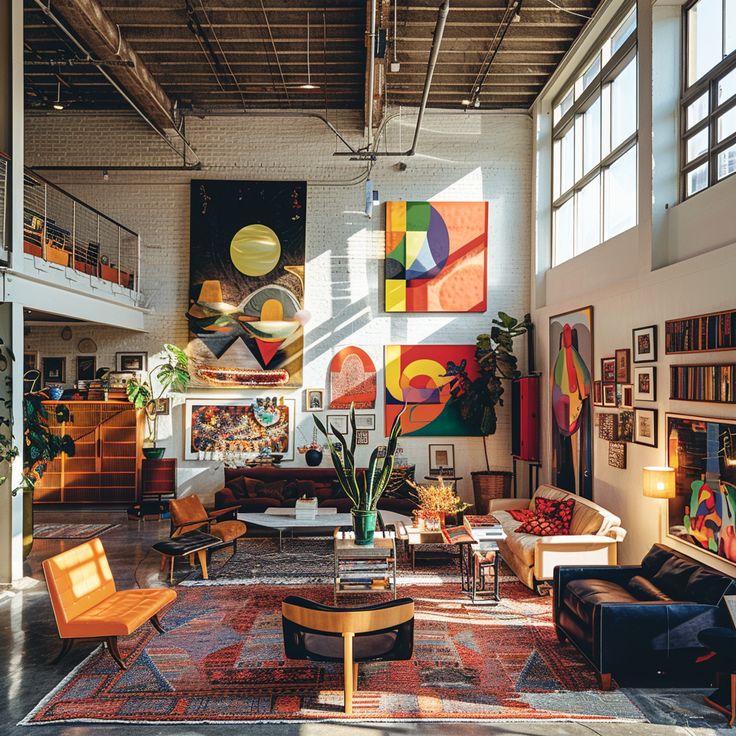
In the modern era of interior design, creativity and expertise are only as powerful as the tools that bring them to life. The days of relying solely on sketches and fabric swatches are behind us. Today, Top 10 interior designers in chennai leverage a sophisticated suite of apps and software to streamline their workflow, communicate their vision to clients, and create stunning, photorealistic renderings. Whether they are drafting a floor plan, building a mood board, or managing a project, these digital tools are indispensable.
Here’s a look at some of the best apps and tools that have become staples in the interior design profession.
1. Drafting and 3D Modeling Software
These powerful programs are the foundation of any design project, allowing designers to create precise, to-scale drawings and realistic 3D models.
- SketchUp: A favorite among designers for its user-friendly interface and vast library of pre-built 3D models (3D Warehouse). It allows for quick and intuitive 3D modeling, making it ideal for visualizing space and experimenting with layouts. It has both free and professional versions.
- AutoCAD: A long-standing industry standard for computer-aided design (CAD). AutoCAD is known for its precision and is used to create highly detailed 2D floor plans, elevations, and construction documents that are essential for contractors and other professionals.
- Revit: A powerful Building Information Modeling (BIM) software, Revit is used for more complex projects, particularly in commercial and large-scale residential design. It allows designers to create detailed 3D models that contain information about every element, from materials to costs, and it helps to coordinate with architects and engineers.
- Planner 5D: This app provides a more accessible and visually engaging platform for creating 2D and 3D designs. It is popular with both professionals and homeowners, offering a large catalog of furniture and a simple drag-and-drop interface.
2. Mood Board and Presentation Tools
Communicating a design concept to a client is an art in itself. These tools help designers create compelling and organized presentations.
- Morpholio Board: Designed specifically for interior designers, this app allows you to create professional mood boards and client presentations. It features a curated library of product images, a web clipper to grab images from any site, and tools for annotating and organizing ideas.
- Canva: While not exclusive to interior design, Canva is a versatile and user-friendly graphic design tool. It’s excellent for creating visually appealing mood boards, client presentations, and social media content with its wide range of templates and design elements.
- Pinterest: Still an essential tool for inspiration gathering, Pinterest allows designers and clients to create collaborative boards to pin and share ideas, styles, and color palettes. It’s often the first step in the design process to align on a creative direction.
3. Project Management and Collaboration
Staying organized is key to a project’s success. These apps help designers manage timelines, budgets, and communication with clients and vendors.
- Houzz Pro: This all-in-one platform is a comprehensive tool for interior design professionals. It helps with everything from creating proposals and invoices to managing projects, communicating with clients, and sourcing products. It integrates with the popular Houzz platform, which has millions of inspirational photos and products.
- Mydoma Studio: A robust software specifically for interior designers, Mydoma Studio streamlines workflows by helping with client communication, project tracking, and invoicing. It’s an excellent tool for managing all aspects of a design business from a single platform.
4. Mobile and Augmented Reality (AR) Apps
The design process is no longer confined to a desktop. Mobile apps allow for on-the-go functionality and a new way to visualize designs.
- Magicplan: This app uses your phone’s camera to create accurate 2D and 3D floor plans simply by scanning a room. This saves designers a significant amount of time on the initial site visit.
- IKEA Place: While specific to IKEA’s products, this augmented reality app is a fantastic example of a tool that allows you to virtually place furniture into a real-world space. It’s an easy way for designers and clients to see how an item will look and fit.
- Dulux Visualizer: This app lets you visualize how different paint colors will look on your walls in real-time, helping to make quick and confident decisions about color palettes.
5. Advanced Rendering and AI Tools
The latest trend in interior design software is the integration of AI and hyper-realistic rendering to produce stunning visuals with unprecedented speed.
- Foyr Neo: This AI-powered tool allows designers to upload a 2D floor plan and have it automatically build a fully-furnished 3D scene. Its algorithms analyze design principles to create photorealistic visualizations quickly and efficiently.
- Enscape: A real-time rendering and virtual reality plugin, Enscape allows designers to create immersive walkthroughs and high-quality renderings directly from their CAD programs, offering clients a true-to-life experience of their future space.
In the fast-paced world of interior design, the right tools are what allow professionals to translate a concept into a a detailed plan and a tangible reality. By embracing these innovative apps and software, designers are not only enhancing their creative capabilities but also improving efficiency and client communication, solidifying their role in shaping the spaces of tomorrow.
